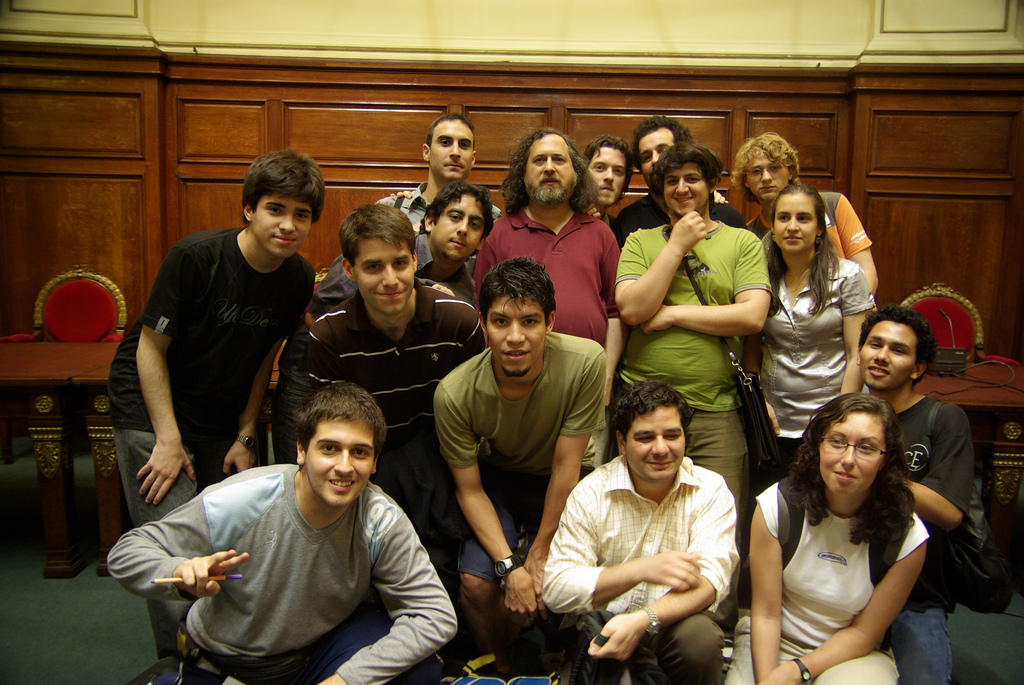
What am I looking at?
This is a tool to help you tag faces in a photo and and automatically define image regions to be associated with names, i.e. to display them when hovering over.
It was made for a very specific use case I had, but it may be useful for your purposes too.
Everything works client-side, you only need a web server if you want to host the finished web page.
Step-by-Step Usage Guide
-
Choose an image.
-
-
Press to reset and detect faces automatically. Don't Panic!
This might take some time.
- Click to add a new point or Ctrl+Click (Cmd+Click) to remove the closest point.
- You can toggle at any time to a print mode which overlays the numbers. They are sorted roughly from top to bottom, left to right.
-
[Optional] Define a boundary (clipping) polygon.
- At this point, save your progress! Use Right click > Save Image to save the print overlay of your original image and use this button to export the positions of the faces to a JSON file.
Afterwards you can Import the saved face positions and boundary polygon again.
-
Produce a list of names.
It has to be a JSON array of objects of the form
{"id": "42", "first": "Richard M.", "last": "Stallman"}If you happen to have used e.g. Google Spreadsheets and you use vim, you can use the vim commands I used (convert_names.vim) to convert a CSV file to the required JSON format. Just say :source convert_names.vim. -
Now load the JSON file with the name list here:
-
You're done! Click the button below to export the finished page. You will now want to define a proper title for your web page and maybe reorder the names or add dividers in between. Names can be put in any order, this doesn't affect the highlighting.
In order to host the site, point your webserver to folder with all the relevant files: output.html, static.js, static.css and the image you selected. No server side scripting of any kind required. That's it.